
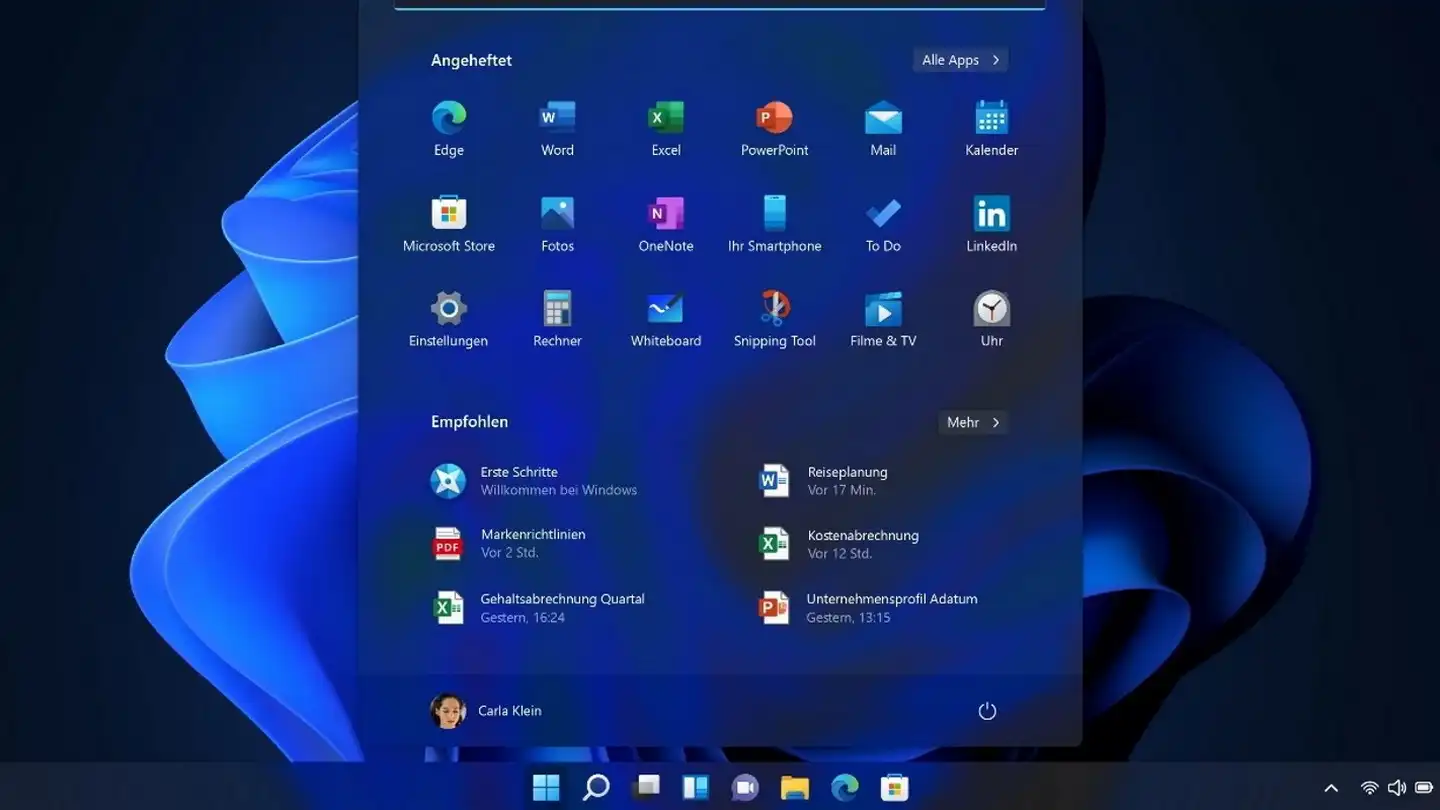
Programs from the internet aren’t centrally controlled and may contain malicious code. It can be safer to only allow apps from the Microsoft Store on your Windows PC.
Free programs from the internet are not controlled by any central authority and can therefore contain malicious code depending on the download source. It is therefore safer if you only allow apps from the Microsoft Store on your Windows PC — similar to what is standard on smartphones anyway.
Foundry
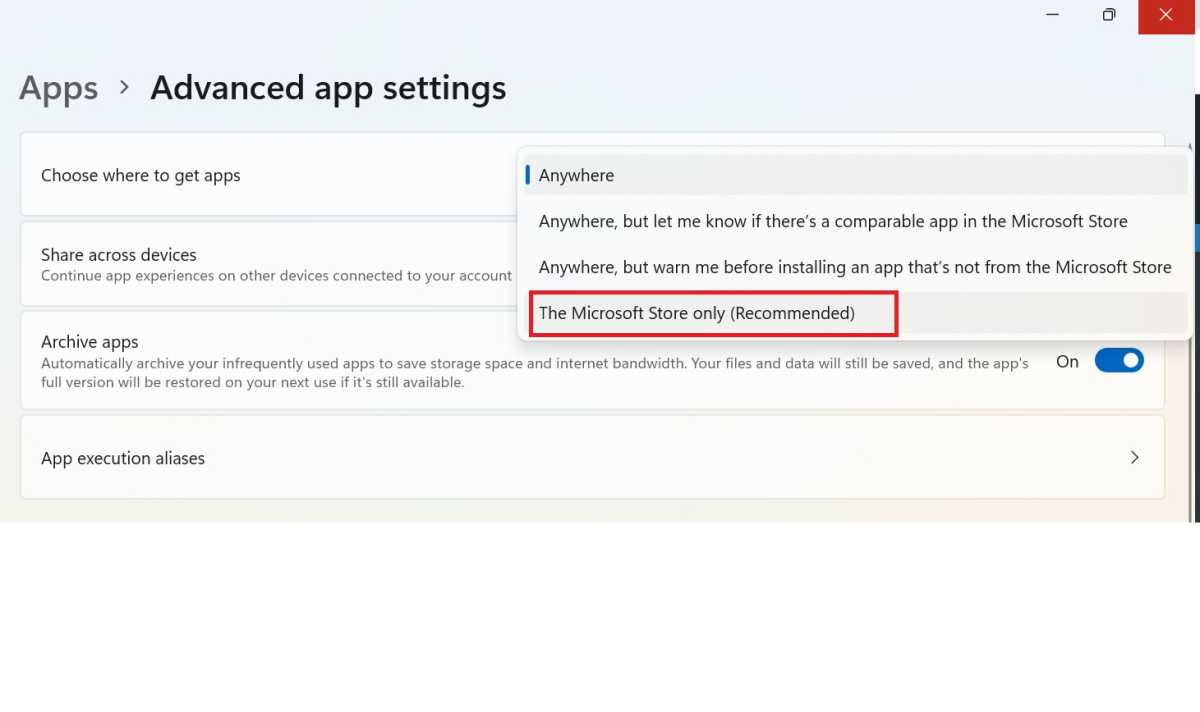
This is how it works: In Windows 10, open the Windows Settings app, click on “Apps” and set the option “Microsoft Store only (recommended)” at the top of the list under “Select sources for retrieving apps.”
In Windows 11, also click on “Apps” in the Settings app, but then on “Advanced settings for apps — Microsoft Store only (recommended)”. The setting takes effect immediately.

