It’s meant to centralize Google’s most popular PC apps in one place for Windows users.
Google just started rolling out an all-in-one app called Google Essentials for Windows, which is meant to be a convenient way to discover and install the most prominent Google apps.
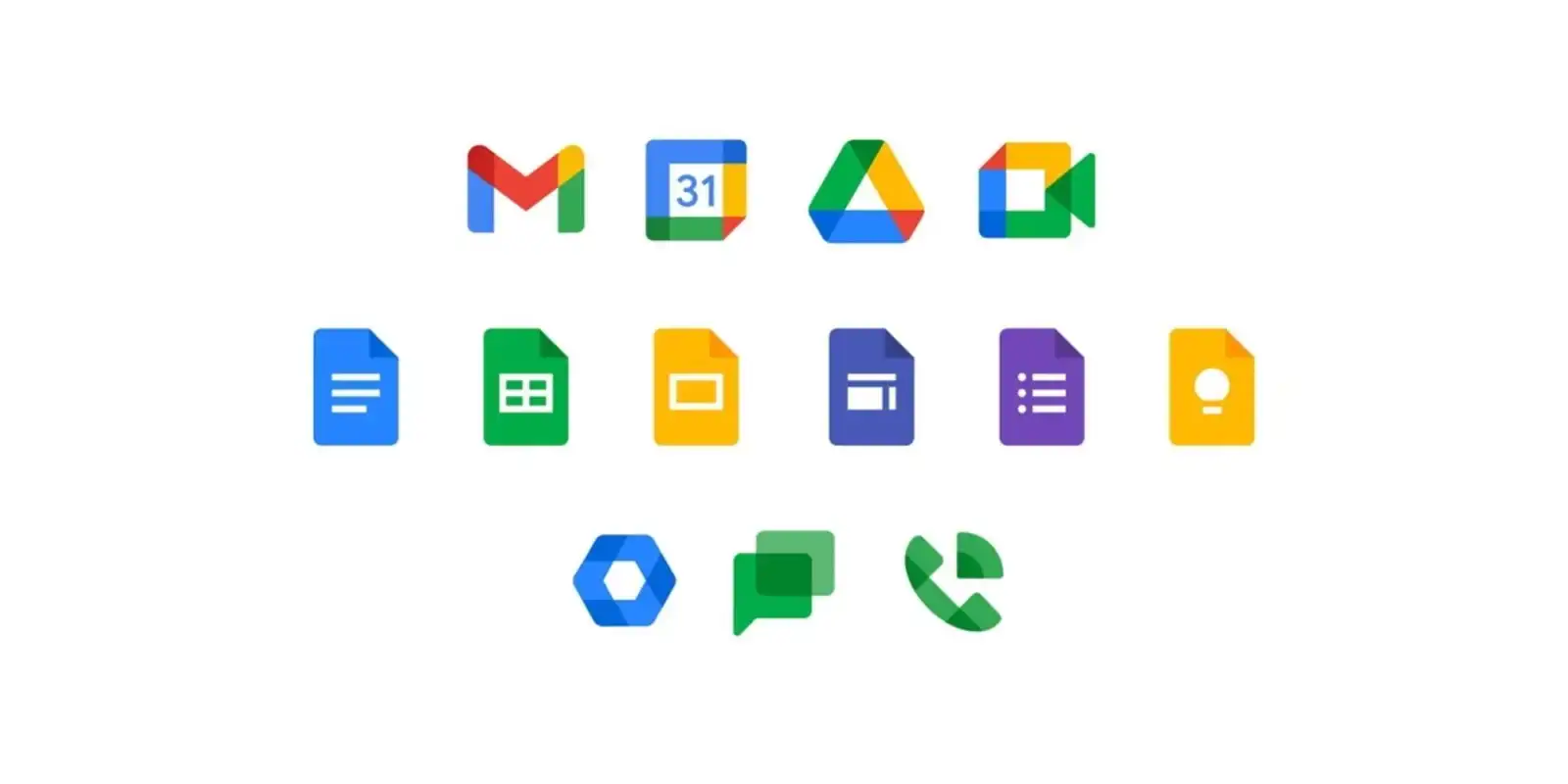
For now, Google Essentials makes it easy to install and use Google Messages, Google Photos, and Google Play Games directly on your PC. It also includes shortcuts to Google’s productivity apps: Google Docs, Google Drive, and Google Calendar.
With Google Play Games, you’ll have access to thousands of PC and mobile games like Clash of Clans, and you’ll be able to sync in-game progress and rewards across devices. If you want to jump between your computer and phone for a game, you can (for supported games).
With Google Messages, you can conveniently read and send text messages from your computer. With Google Photos, you can view and manage your photos and videos on your computer’s larger screen.
At the start of this rollout, Google Essentials is only available on HP’s consumer and gaming brands, which includes Spectre, Envy, Pavilion, OMEN, Victus, and HP Brand (with OmniBook on the way). Support for other Windows PCs should be coming in the next few months.