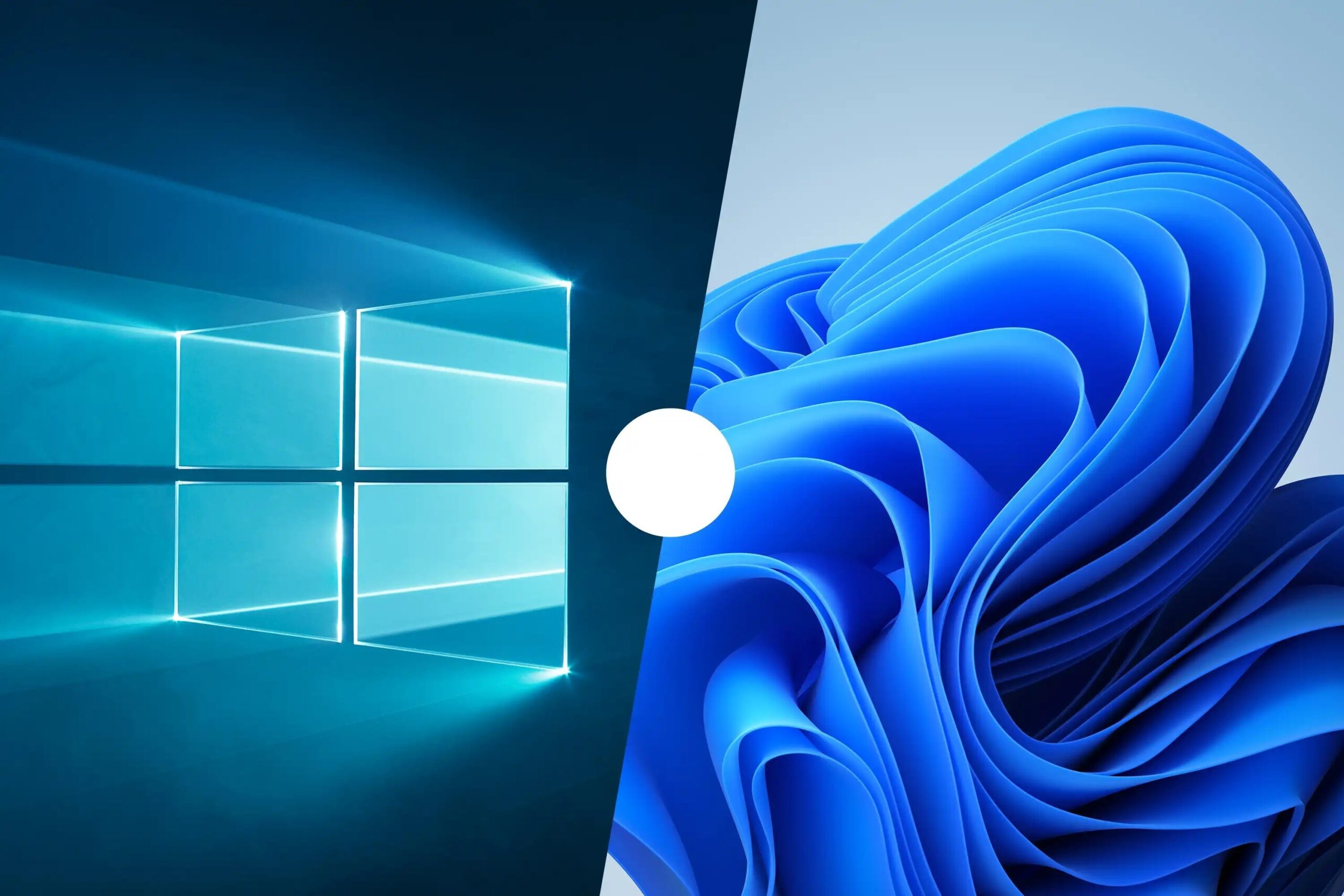
Switching to Windows 11 doesn’t mean you have to part with the classic look of Windows 10. If you prefer the older design, you can now enjoy Windows 11’s features while retaining the familiar Windows 10 appearance, thanks to a free tool called RevertSV.
RevertSV allows users to apply the Windows 10 design to their Windows 11 system with just one click. This tool not only revives the classic look of the Start menu and lock screen but also restores older versions of apps like Paint and Notepad. Additionally, it changes the OS settings and Windows Explorer to resemble their Windows 10 counterparts.
However, it’s important to note that RevertSV is a cosmetic tool and does not alter the core settings of Windows 11. It is available for download from the Internet Archive but lacks official support from Microsoft. As such, users may encounter errors or crashes. It’s advisable to test RevertSV on a virtual machine first to avoid potential issues on critical systems.