Prepare for Nintendo Switch 2 with this Essential Storage Deal
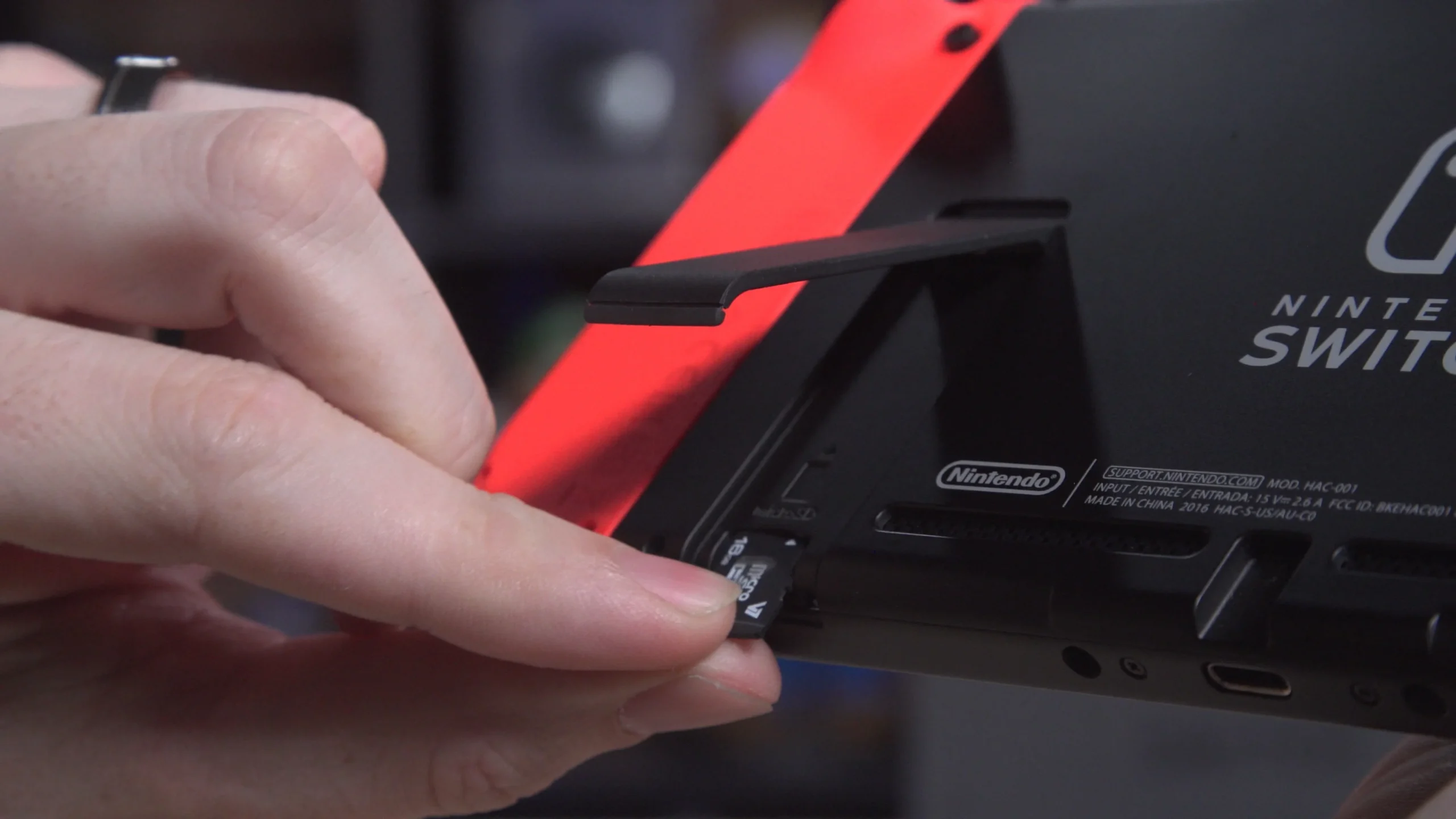
The Nintendo Switch 2 might be dropping as soon as tomorrow—if not, we’ll likely be hearing details about pre-order availability and a confirmed release date soon. If you’re planning to pick one up, there’s an essential accessory you’ll want to have in hand: extra storage for your games.
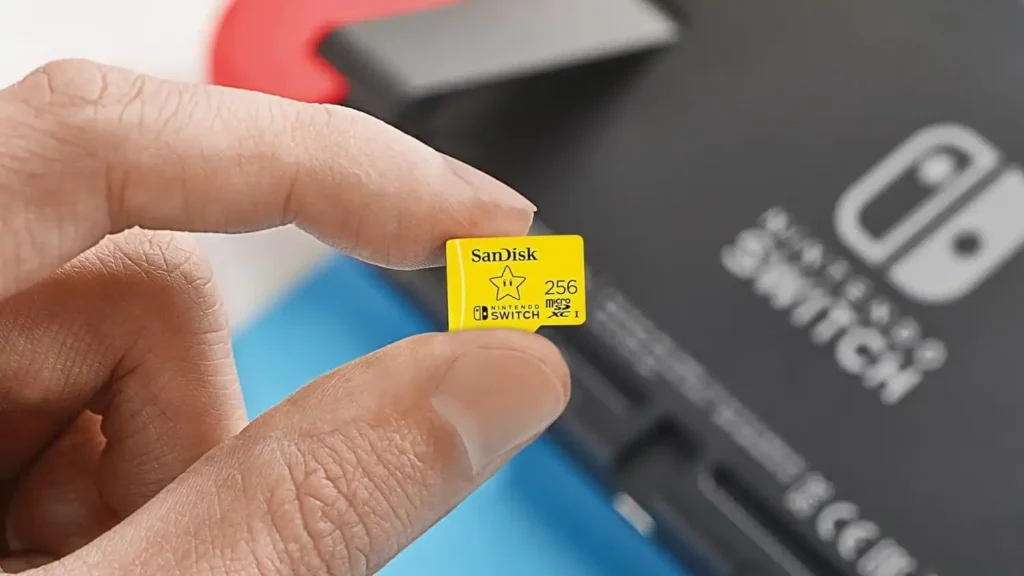
To ensure you don’t run out of space with today’s large game files, you’ll need a fast and reliable microSD card. Fortunately, SanDisk’s official 256GB microSD card for the Nintendo Switch is currently on sale for just $21 at Amazon—a 22% discount from its regular price. This special edition card is licensed for the Switch and features a Mario Super Star design, combining functionality with a fun theme that any Nintendo fan will appreciate.
The SanDisk card supports read speeds of up to 100 MB/s and write speeds of up to 90 MB/s, meaning you can transfer files quickly and reliably while playing games. While rumors suggest that the Nintendo Switch 2 will come with more internal storage than its predecessor, it’s still a good idea to have an external card, especially with the size of modern games. A 256GB card should provide plenty of space for all your favorite titles.
This sale is a great opportunity to prepare for the Switch 2 launch, ensuring you’re ready for all the new games. If you’re looking for other themed options, the Pikachu version is available for $30, and the Fortnite Cuddle Team Leader version is listed for $26. However, the Mario Super Star edition offers the best value at $21, all while maintaining the same impressive speed and performance.