
Windows 11 25H2 Now Rolling Out Automatically to Home Users
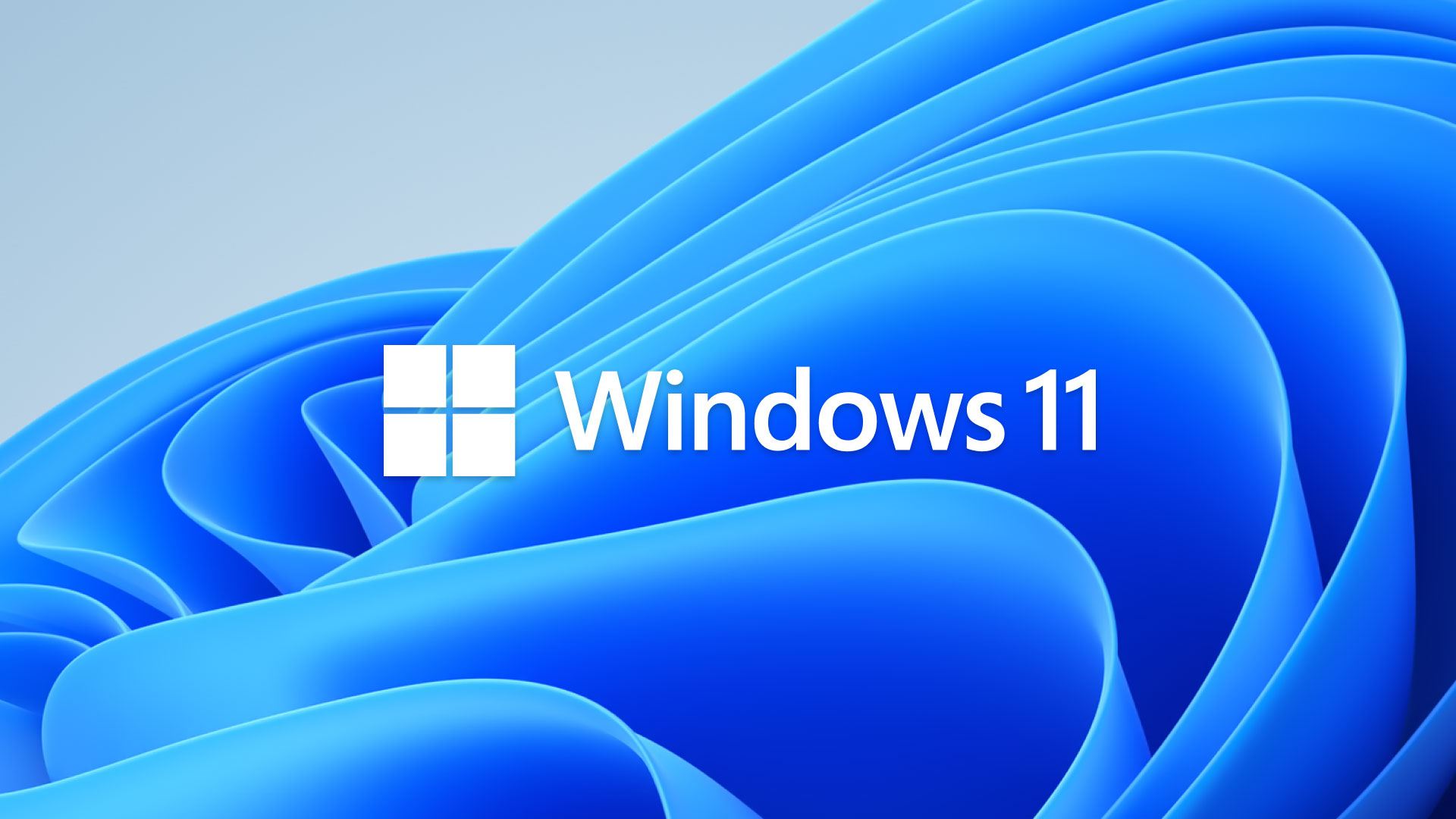
Microsoft has officially begun the mandatory rollout of Windows 11 version 25H2 to eligible consumer PCs. While the update was previously optional for users running Windows 11 24H2, it is now being delivered automatically to compatible devices running older versions of Windows 11, including 23H2.
The broader deployment marks the next phase of Microsoft’s Windows 11 update strategy as the company prepares for the release of Windows 11 26H2 later this year.
Automatic Upgrade for Consumer PCs
According to Microsoft, Windows 11 Home and Pro devices that are not managed by an organization’s IT department will receive version 25H2 through the company’s machine learning-based rollout system.
This means most personal Windows 11 PCs will be upgraded automatically, even if users have not manually opted into the update.
Business devices managed through enterprise tools are excluded and remain under administrator control.
Support Extension for Older Systems
The rollout also targets systems still running Windows 11 version 23H2, whose support ended in November 2025.
By upgrading to 25H2, users receive another 12 months of security updates and feature support, helping ensure their devices remain protected and fully supported.
Fast Installation Thanks to a Shared Code Base
One reason the upgrade is relatively quick is that Windows 11 24H2 and 25H2 share the same underlying code base.
Instead of downloading an entirely new operating system, Microsoft delivers a small enablement package that unlocks features already present in the existing installation.
As a result, the upgrade typically:
- Downloads quickly
- Requires only one restart
- Completes in just a few minutes
Preparing for Windows 11 26H2
Microsoft’s decision to move users to 25H2 also lays the groundwork for Windows 11 26H2, expected later this year.
Because 25H2 and 26H2 are built on the same platform, upgrading to 26H2 should also require only a lightweight enablement package, allowing Microsoft to deliver new features with minimal installation time.
How to Check for the Update
If version 25H2 hasn’t appeared automatically yet, you can check manually:
- Open Settings.
- Go to Windows Update.
- Select Check for updates.
If your device is eligible, Windows 11 25H2 should be offered for installation.
A Gradual Rollout
As with previous feature updates, Microsoft is deploying Windows 11 25H2 in phases. Some eligible devices may receive the update immediately, while others will be offered it over the coming days or weeks as Microsoft expands availability and monitors compatibility.