
Microsoft PowerToys Nears 30 Years as One of Windows’ Most Useful Utility Suites
Nearly three decades after its original debut, Microsoft PowerToys remains one of the most valuable free additions available for Windows users. Originally introduced for Windows 95 in 1996, the open-source utility collection has evolved into a toolkit containing more than 30 productivity features that extend Windows far beyond its default capabilities.
Despite Microsoft gradually incorporating some PowerToys features into Windows itself, the project continues to offer tools that many enthusiasts consider essential on every new PC.
A Long-Running Windows Companion
PowerToys first appeared in November 1996, giving advanced Windows users additional utilities that weren’t included in the operating system. Since its revival as an open-source project, Microsoft has expanded the collection significantly while making it freely available through GitHub and the Microsoft Store.
Today, PowerToys has become a staple for developers, power users, and productivity enthusiasts alike.
Productivity Features That Stand Out
Among the most popular utilities are:
- Command Palette – A launcher that provides fast access to applications, files, commands, and system functions from a single interface.
- Peek – Lets users preview supported files directly from File Explorer without opening them.
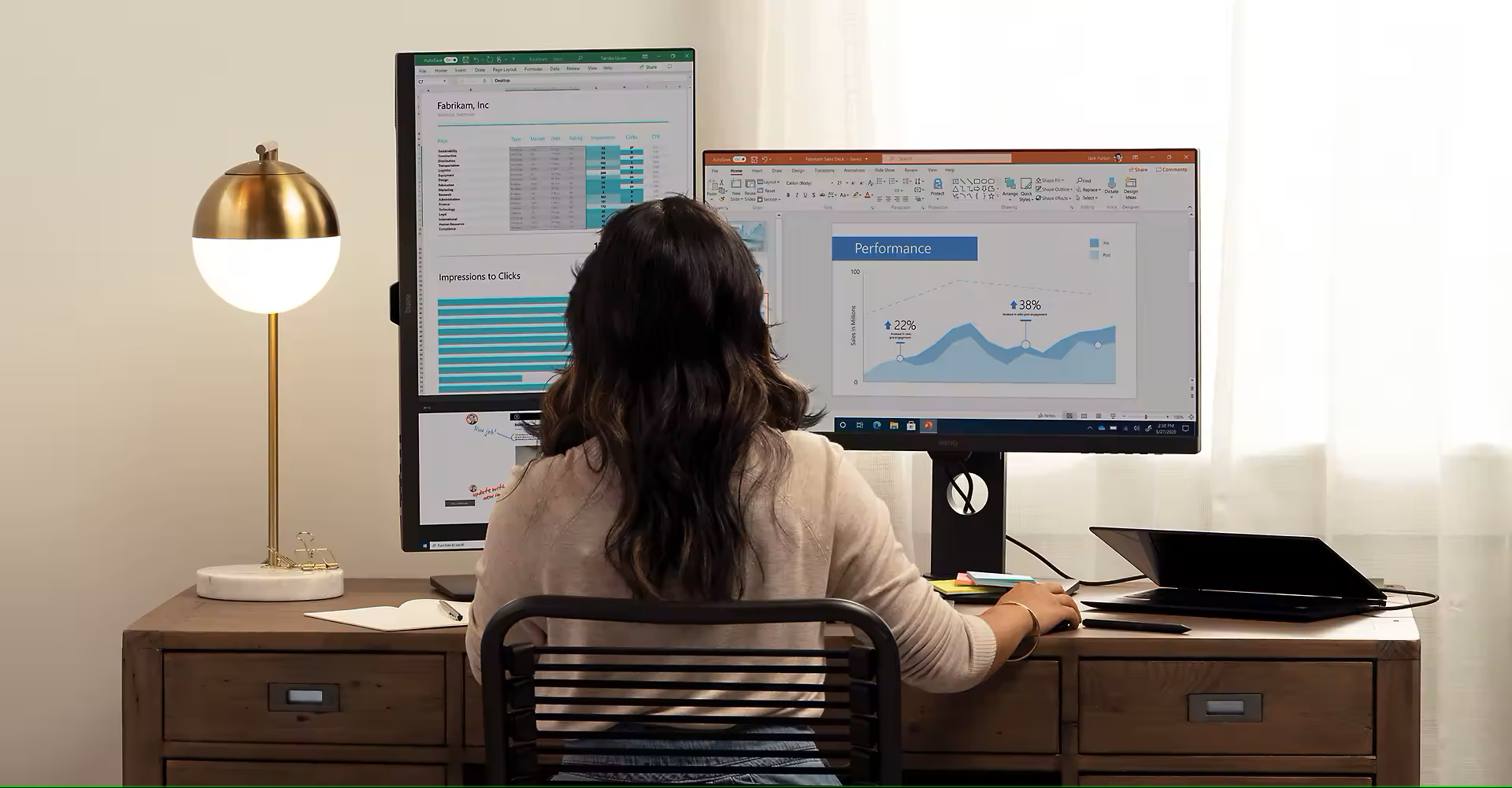
- Power Display – Simplifies multi-monitor management, making it easier to organize displays and adjust monitor settings.
These tools complement Windows rather than replace it, helping users perform everyday tasks more efficiently.
Still Evolving Alongside Windows
Several PowerToys features have inspired or eventually found their way into Windows itself. Even so, Microsoft continues to develop new utilities and improvements, keeping the project relevant despite Windows gaining more built-in functionality over time.
With around 30 separate tools available, PowerToys remains one of Microsoft’s most feature-rich free software offerings.
An Essential Download for Power Users
For many Windows enthusiasts, installing PowerToys is one of the first steps after setting up a new computer.
Its combination of lightweight utilities, active development, and direct support from Microsoft has made it a trusted productivity suite that enhances everything from file management and application launching to window organization and multi-monitor workflows.
As PowerToys approaches its 30th anniversary, it continues to demonstrate that some of Windows’ most useful features aren’t built into the operating system—they’re available as free tools waiting to be installed.