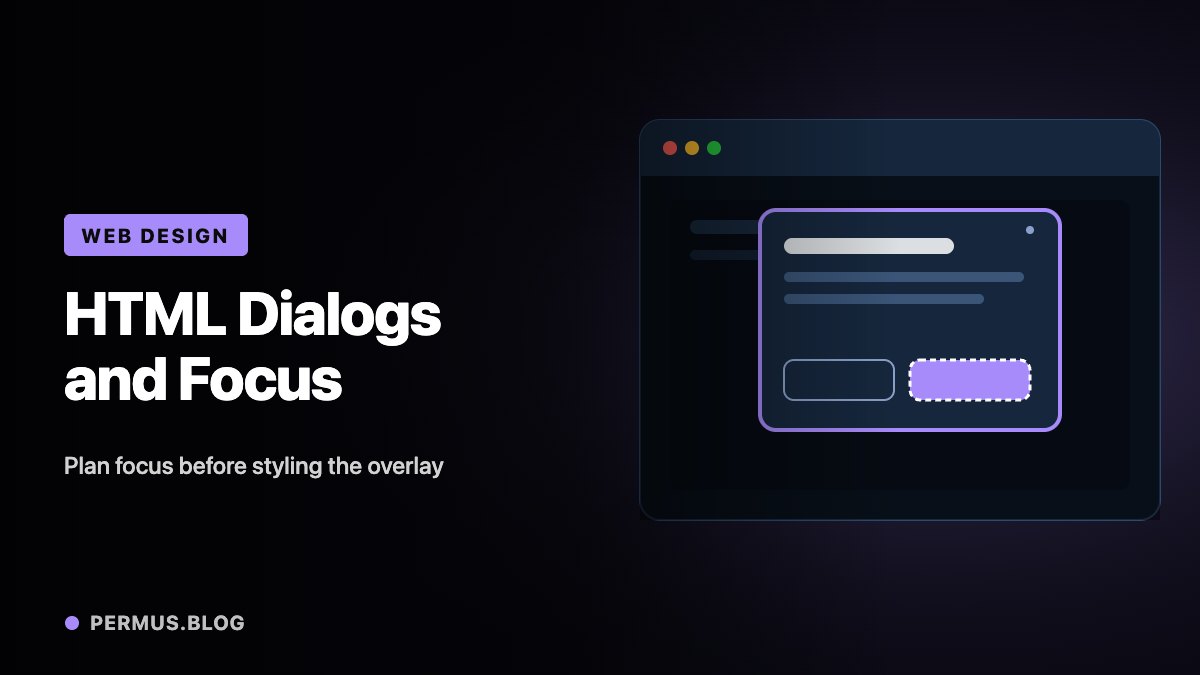
A modal dialog can look polished while leaving keyboard users uncertain about where they are. The background dims, a panel appears, and the visual design suggests that attention has moved. Keyboard focus, however, may tell a different story.
The central design task is to make opening, using, and closing the dialog form one coherent interaction.
Native HTML provides a useful foundation, but the product still needs decisions about initial focus, accessible naming, dismissal, and the next step after closure.
Open the dialog with the intended behavior
The HTML <dialog> element can represent modal or non-modal content. Calling showModal() opens it as a modal dialog. This differs from simply making an element visible.
MDN documents that modal dialogs opened this way receive browser-supported behavior, including focus handling and default Escape dismissal. It also recommends an explicit close mechanism so that users have an obvious way to leave.
For a small settings dialog, an explicit Cancel or Close control is often clearer than requiring someone to discover that clicking outside the panel works.
The visual design should make the current task and available exit apparent without relying on a particular input device.
Choose the first focus target deliberately
The first interactive control is not always the best place to begin.
W3C’s modal-dialog guidance explains that long or structured content may benefit from initially focusing a static heading or introductory element. This helps users encounter the content in a meaningful order rather than landing near the bottom of a panel.
For a difficult-to-reverse action, initial focus may belong on the less destructive choice. When the task is a brief continuation step, a primary control may be appropriate.
These choices should follow the dialog’s purpose. A rename field, a detailed permissions explanation, and a deletion confirmation deserve different starting points.
Write the intended focus target into the component requirements before adding animation or decorative styling.
Make the exit part of the workflow
A dialog needs a clear accessible name, usually connected to its visible heading. Keyboard navigation should remain within an active modal dialog, and closing it should lead to a sensible place.
W3C generally recommends returning focus to the invoking control. Exceptions arise when that control no longer exists or the completed task logically moves the user elsewhere.
Consider deleting a row from a table. Returning focus to a button that belonged to the deleted row is impossible. The design needs an alternative, such as a nearby row or another relevant control.
That decision is easier to make while designing the interaction than after a bug report arrives.
Test the full journey
Start at the trigger using only the keyboard. Open the dialog, identify the focused element, move forward and backward through its controls, close it with Escape, reopen it, and use the visible close button.
Then test completion of the main action. Confirm where focus goes and whether any status message is understandable.
Also inspect the dialog with larger text, a narrow viewport, and content long enough to scroll. A focus target that seems sensible in a short demonstration may behave poorly when real content grows.
A successful dialog lets people understand where they are, complete the task, and continue naturally. The overlay is only the visible part of that experience.