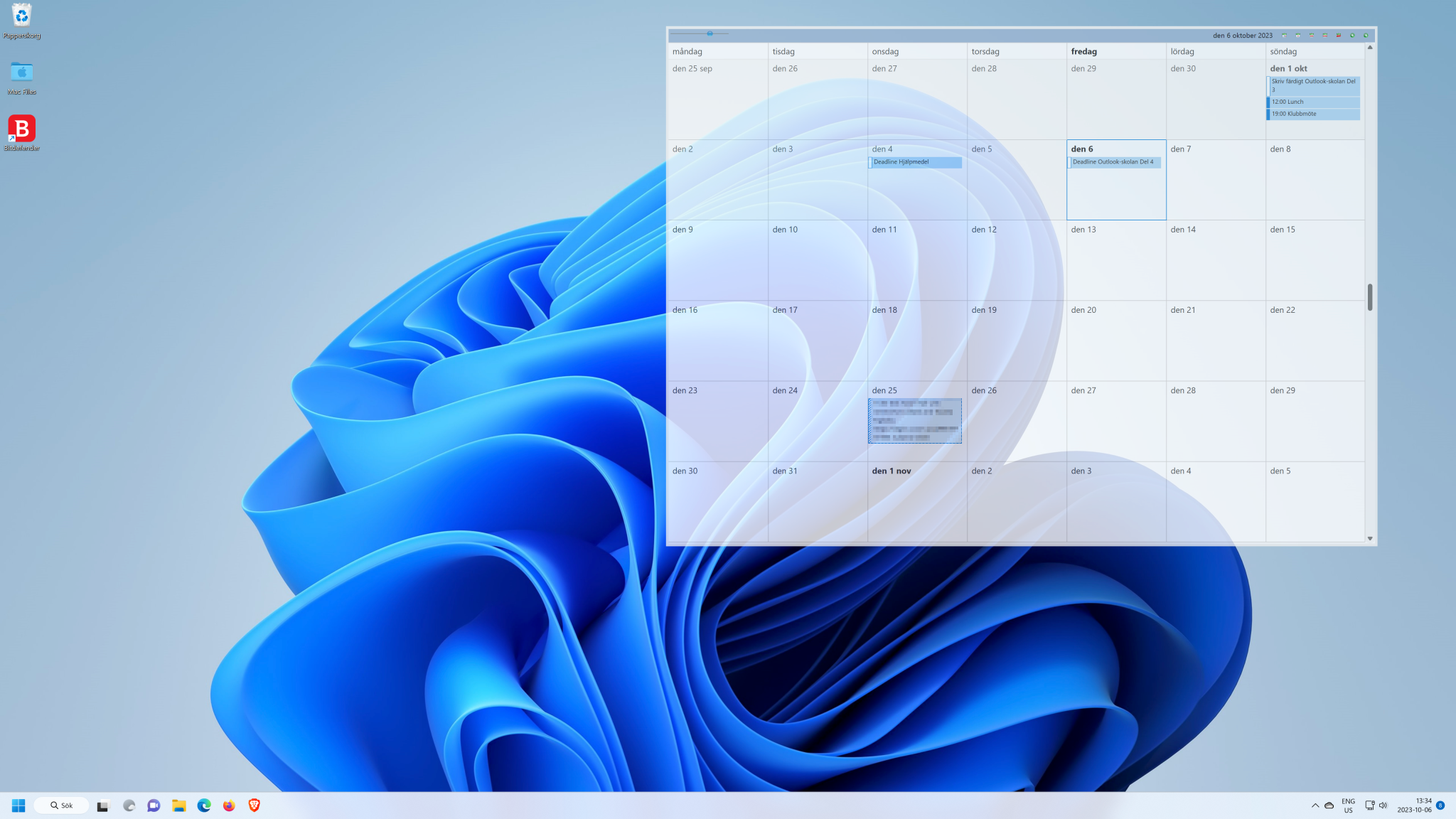
You can configure Outlook so that it automatically schedules breaks when you enter several appointments in succession.
If you enter several appointments one after the other in the Outlook calendar, the program always assumes by default that they follow one another without a break. Sometimes, however, you may need a short break at regular intervals, for example to change meeting rooms. In this case, you can set the program to schedule these breaks from the outset.
Foundry
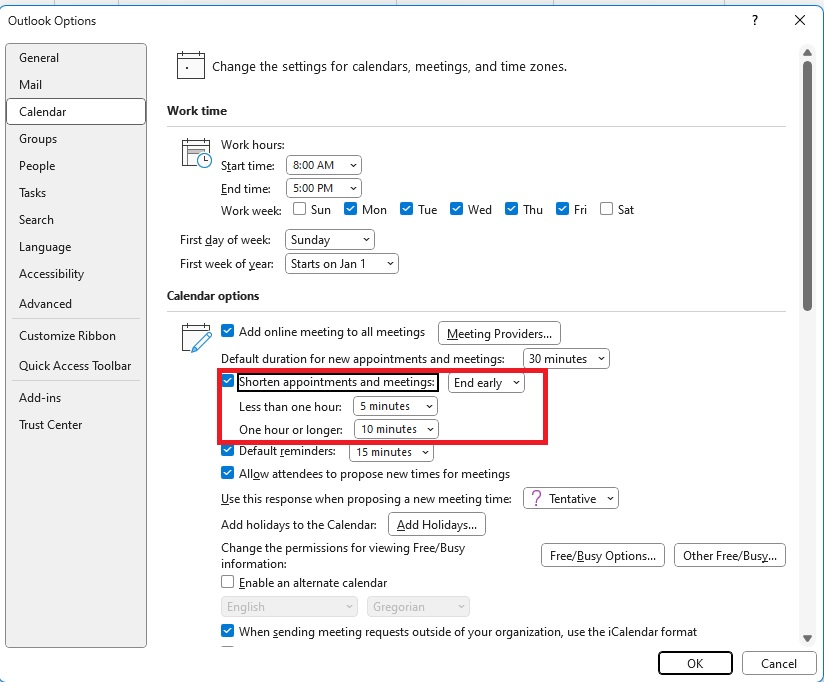
To do this, click on File > Options > Calendar. In the “Calendar options” section, tick the box next to “Shorten appointments and meetings” and then use the drop-down menu next to it to set whether your meetings should end earlier or start later by default.
Below this, select the amount of time you need to change the meeting room, for example. You can choose between five, eight, or 15 minutes, and even set different times for shorter and longer appointments.
For example, if you have selected “End earlier” and marked “5 minutes” underneath, a one-hour 11 a.m. meeting will end at 11.55 a.m. and not at 12 noon.
Important: This only works for meetings that you enter in the calendar yourself. However, it does not apply to meetings that other people arrange for you.