It’ll be even more important to manually log out of your Microsoft account on shared computers going forward.
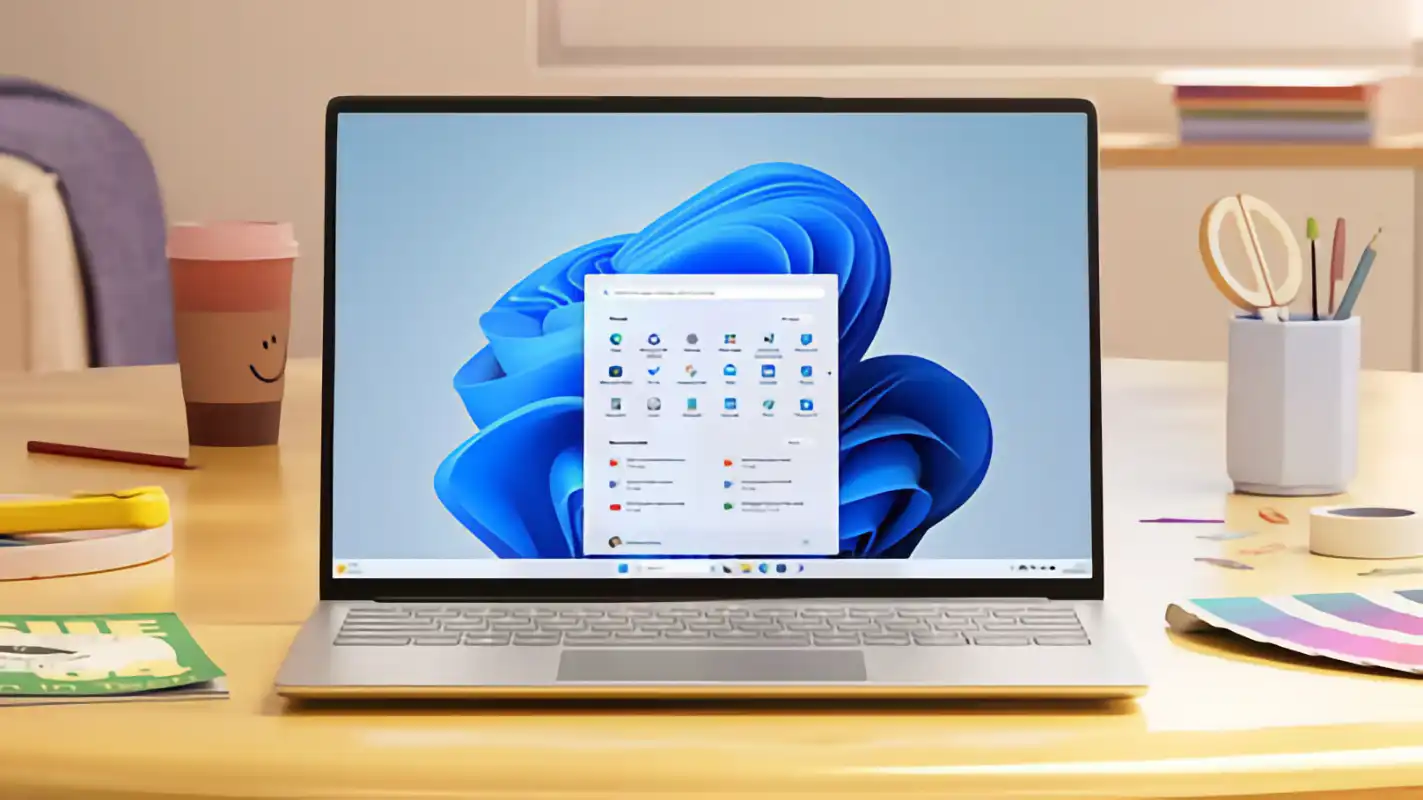
Up until now, whenever you signed into your Microsoft account, you’ve been asked whether you want to remain signed in. This is typical for most sites and services, where you need to manually tick a checkbox to express that you want to stay logged in the next time you visit.
Starting next month, Microsoft is doing away with that. Going forward, users who sign into a Microsoft account will automatically remain signed in until they manually sign out.
The Verge reports that this change is especially relevant for anyone who uses public computers, such as in a library or a computer lab. Once this change takes effect, you’ll need to remember to log out every time you use a shared device. Alternatively, if you’re logging into your Microsoft account in a browser, you can use private browsing mode.
In the event that you forget to log out of your Microsoft account, you still have some recourse: log into your Microsoft account elsewhere, visit your security dashboard page, then scroll down and click Sign out everywhere. You’ll be signed out of your account on all devices (but it won’t sign you out of Xbox).