Windows 11 Insider Preview: Copilot Button Added to Microsoft Paint
A recent blog post reveals an exciting new feature in the latest Windows 11 Insider Preview update (Build 26120.3073), adding a Copilot button in Microsoft Paint. This button makes it easier to access some of the generative AI tools that have been available in Paint for a while, enhancing productivity for users who rely on these features.
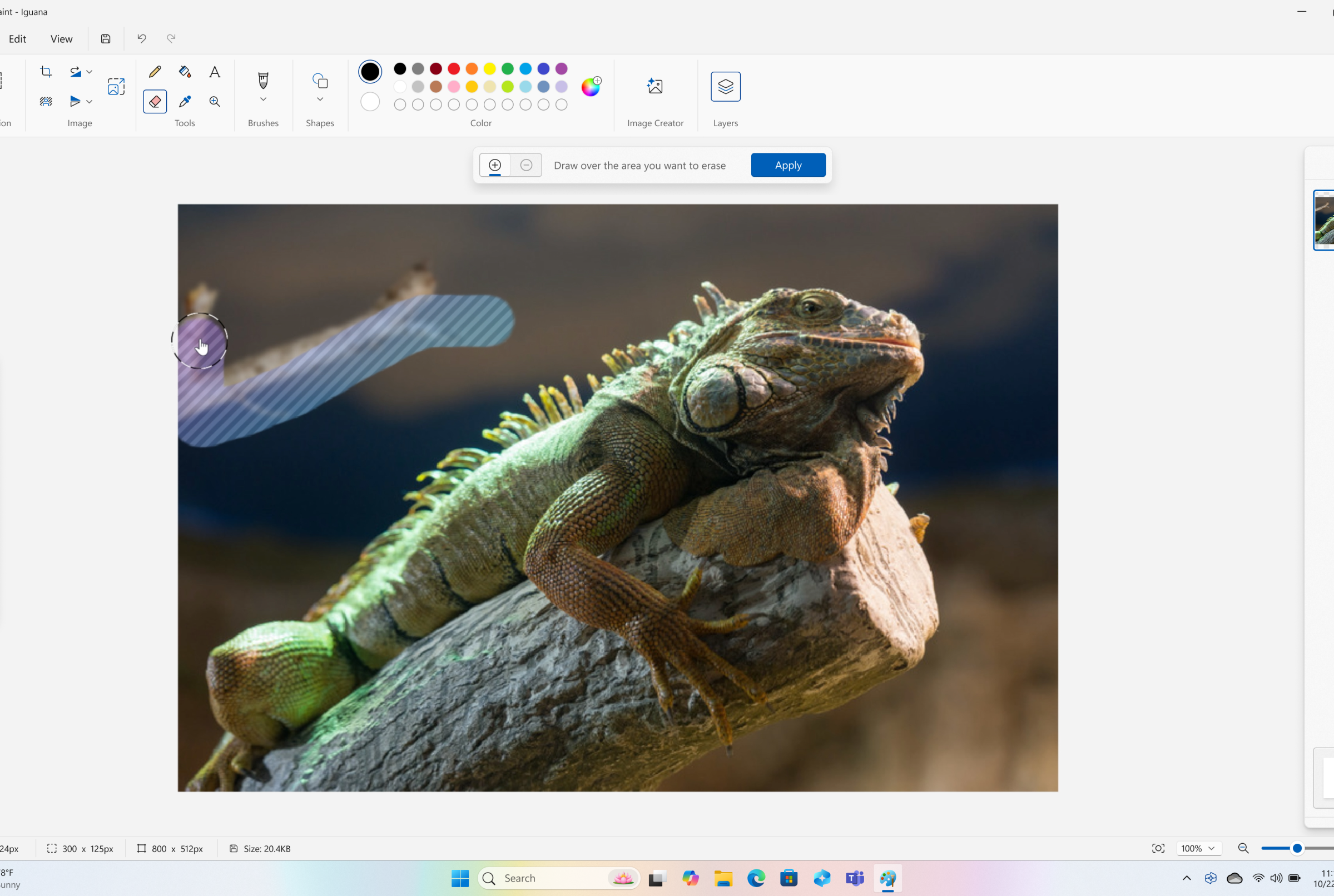
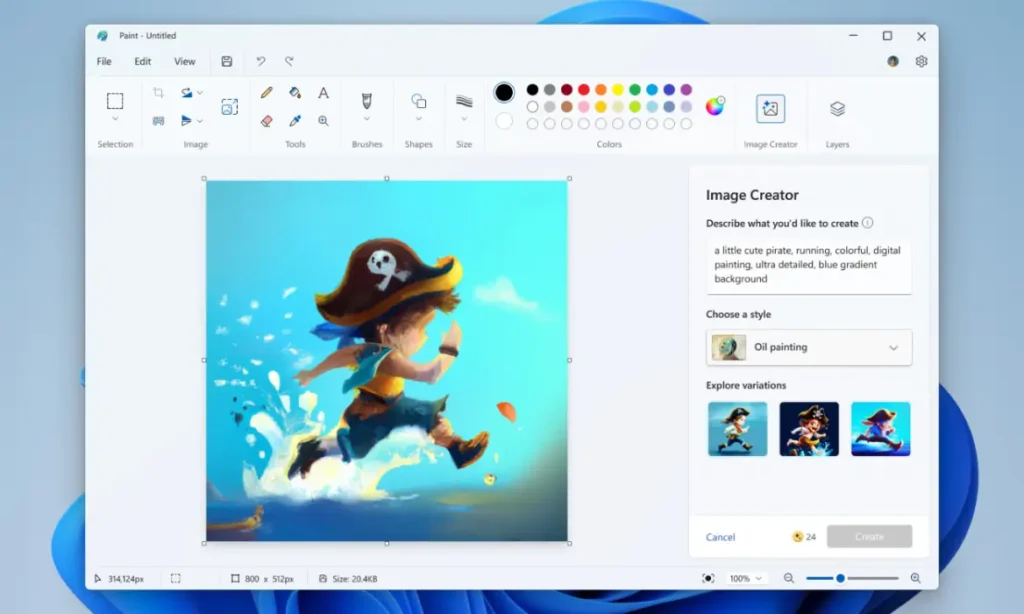
When you click the Copilot button, a drop-down menu appears with several options: Cocreator, which allows you to collaborate with AI on your artwork; Image Creator, an AI-driven tool for generating art based on your drawings or text prompts; Generative Erase, which helps you remove unwanted elements from your images; and Remove Background, simplifying the process of isolating objects.
This feature is likely to be a time-saver for those who frequently use AI tools in Microsoft Paint, streamlining access to all these functions in one click. In addition to the Copilot button, the update also introduces improvements to Windows Search (for Copilot+ PCs), cloud photo search, and fixes for bugs related to the Taskbar, System Tray, File Explorer, and more.
Currently, this update is only available to Windows Insiders, with no word yet on when the Copilot button will be rolled out to the broader stable version of Windows 11.