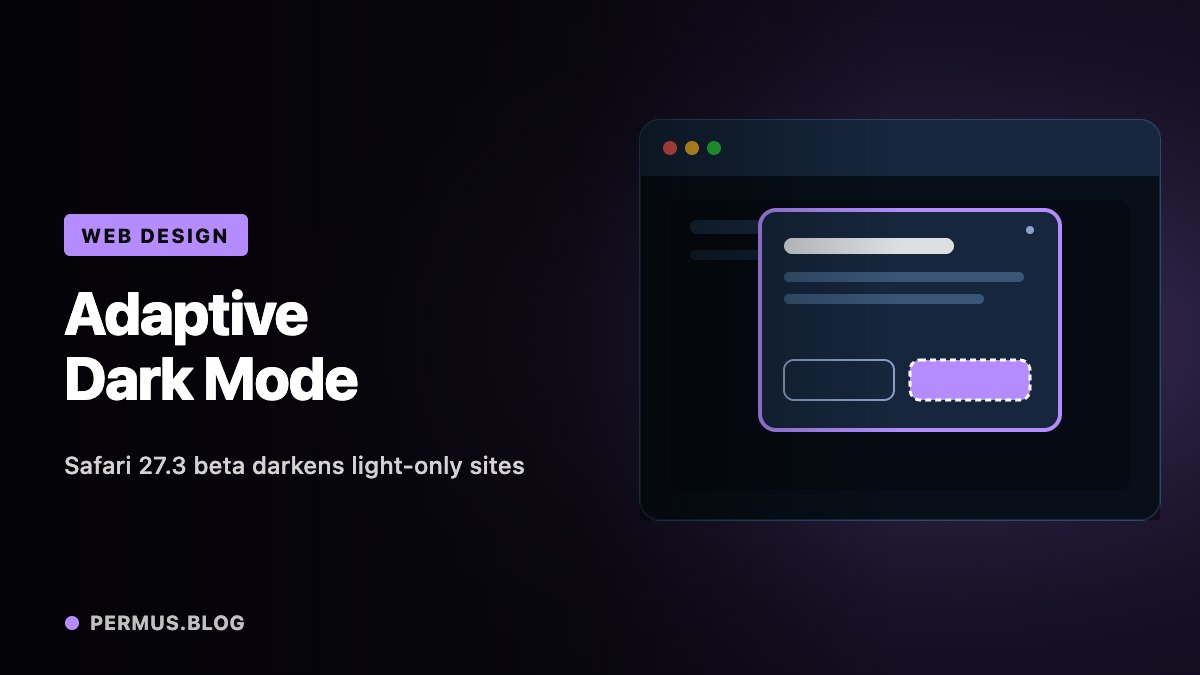
Safari is getting a feature that changes how light-only websites look for people who use dark mode. Adaptive Dark Mode, now in the Safari 27.3 beta, lets the browser display a light site in dark colors when the user asks for it. The WebKit team announced the feature on November 3, 2026, and the second beta has since added a way for pages to opt out. With the release approaching, this is a good moment for designers to check how their sites respond.
Why Apple built it
Safari was the first browser to support dark mode on the web, back in 2019. According to WebKit, about 40 percent of page loads now come from users who have dark mode switched on, but only around 10 percent of pages offer a dark style. Adaptive Dark Mode is meant to close that gap.
How it works
Safari first looks at a page’s colors and estimates whether it is mostly light or mostly dark. Pages that are already dark are left alone.
For light pages, Safari inverts luminosity while keeping the hue. Light backgrounds turn dark and dark text turns light, and a blue link stays blue. The browser aims for a text contrast ratio of 4.5 to 1, the WCAG guideline, and converts light CSS gradients too.
Most images are not touched. Colors inside SVGs may be adjusted, and simple black-and-white bitmap logos may be inverted. Canvas content stays as it is. On transformed elements, masks and mix-blend-mode may be switched off.
Websites cannot detect when the feature is active. Scripts that read CSS colors still get the values the author wrote.
Opting in or out
If your site already has a dark style, declare it and Safari will leave the page alone:
<meta name="color-scheme" content="light dark">The same can be done in CSS with color-scheme: light dark on the :root element.
If you want the page to stay light no matter what, use the only keyword:
<meta name="color-scheme" content="light only">In CSS, color-scheme: light only works on the whole page or on individual elements, which is handy for a component that must keep its exact colors. WebKit advises putting these declarations in the HTML head or stylesheet, not adding them later with JavaScript.
Making a site transform well
WebKit’s advice for sites that will rely on the automatic conversion comes down to using CSS and vectors wherever possible:
- Use SVG for logos and icons in place of bitmaps.
- Use CSS colors and gradients in place of tiled background images.
- Replace image sprites for rounded corners, shadows, and button states with CSS.
- Give content images a transparent background so the page color is not baked in.
- Add padding to tightly packed containers.
The better option
Automatic conversion is a fallback. For full control, WebKit still recommends a real dark theme built with the prefers-color-scheme media query, CSS variables, and newer functions such as light-dark(), color-mix(), and contrast-color().
Either way, test your site in the beta. Set the system to dark, open a page with a bright background, and accept Safari’s offer to preview the feature. A few minutes of checking now beats discovering an unreadable logo after the feature reaches everyone.
Sources: