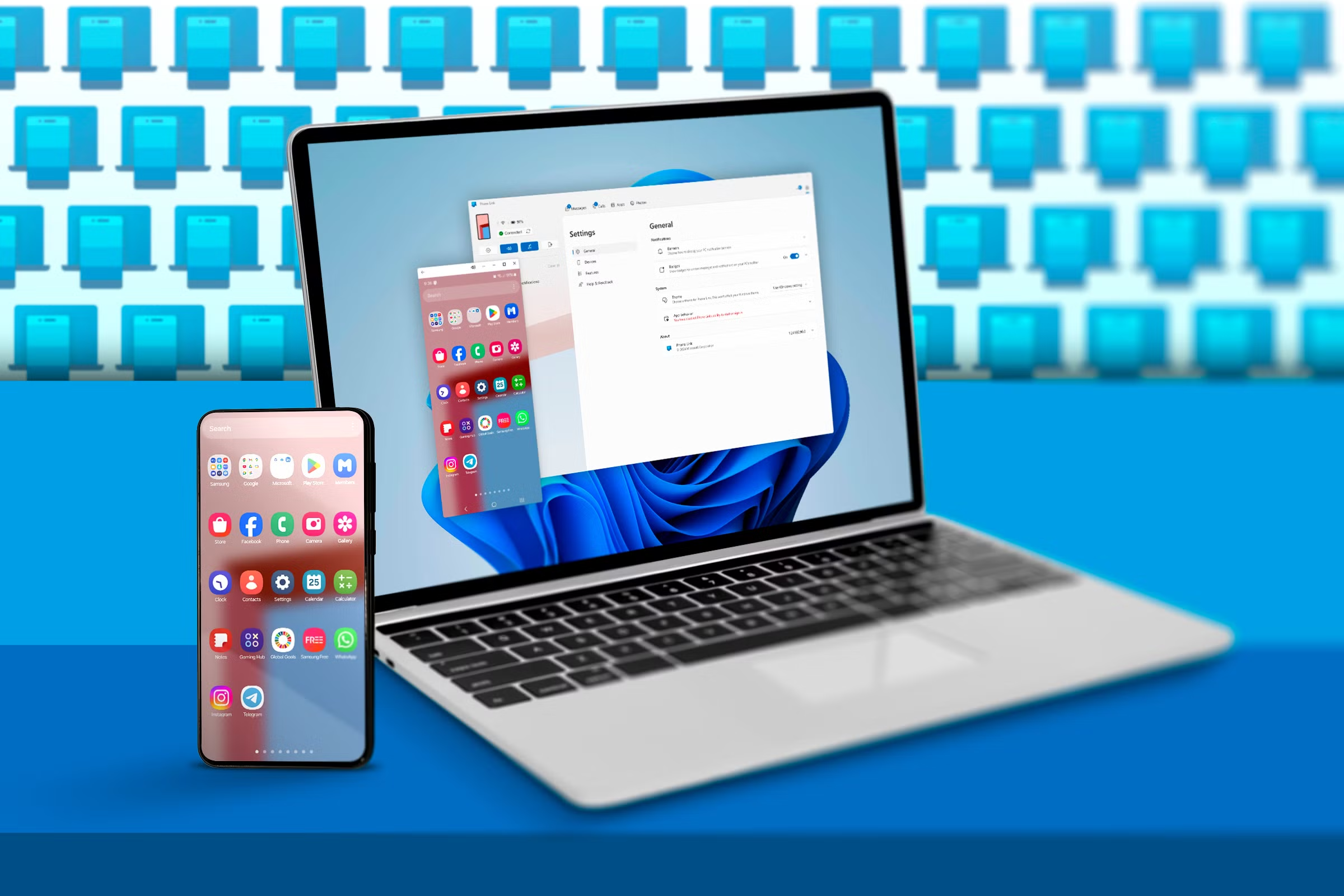
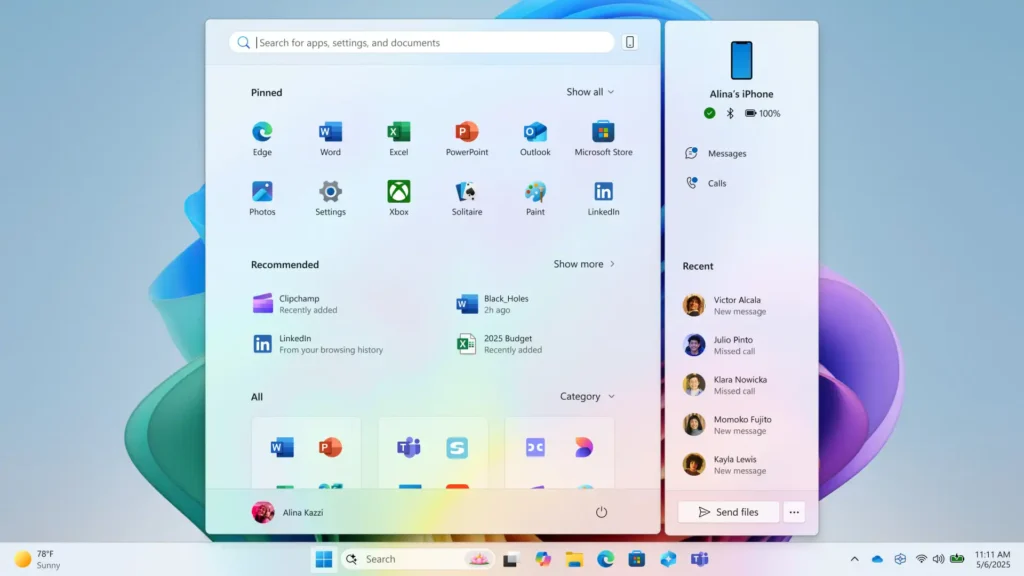
Microsoft is introducing a more streamlined way to mirror Android phones in Windows 11, according to a report from Windows Latest. The new feature allows users to initiate screen mirroring directly from the Start menu, eliminating the need to manually launch the Phone Link app first. This update integrates phone connectivity more tightly into the Windows interface, offering quicker access to Android features within the OS.
To take advantage of the feature, your Android phone must first be linked to your Windows 11 device through the Phone Link app. Once linked, users can not only mirror their device’s screen but also enjoy other conveniences like seamless file transfers and using the Android phone as a webcam for the PC—features that are especially useful for productivity and remote work scenarios.
Currently, this mirroring shortcut from the Start menu is available only to participants in the Windows Insider Program and works with a limited selection of Android devices. However, broader compatibility is expected in the near future, with Microsoft planning a general rollout of the feature sometime in June.