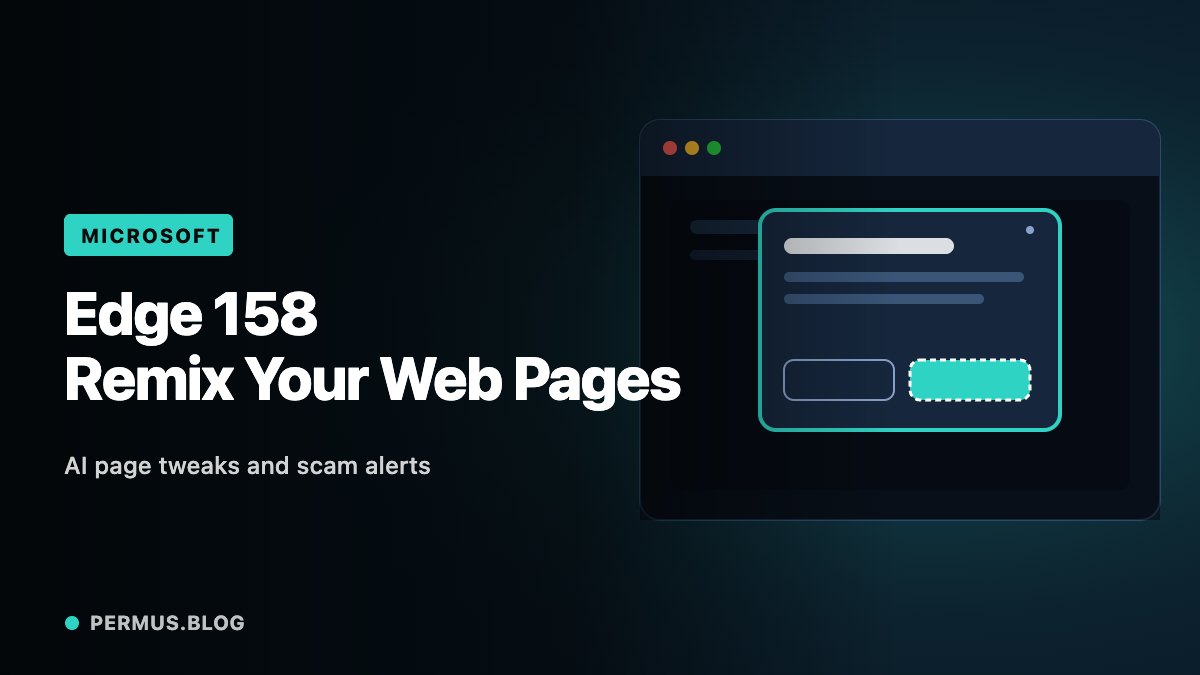
Microsoft Edge 158 has arrived on the Stable channel with a feature that changes how users can view the web: Remix, a tool that lets people personalize the look and layout of supported websites. Released on November 19 as version 158.0.4370.33, the update also adds automatic protection against scam notifications, better Workspaces and easier imports from Google accounts.
What Remix does
According to Microsoft’s release notes, Remix lets users customize supported web pages either with built-in appearance controls or with natural-language requests. Microsoft’s support page describes two modes. Appearance handles changes such as dark mode, background color and font style or size, while Custom takes a typed prompt describing how the page should change. Remixes can be applied to a single page or an entire domain, and only affect the user’s own view; the original site is untouched and other visitors do not see the changes.
PiunikaWeb, which tested the feature on November 23, reports that a Remix button appeared in the address bar after enabling a toggle in Settings. Using the Custom option on YouTube, the author removed page elements and added a copy-clean-link button, but found the Appearance mode buggy when combined with system dark and light settings. Some requests are blocked; for example, Remix will not remove advertisements. Microsoft also says Remix cannot bypass paywalls or sign-ins.
Privacy and availability
Microsoft’s support documentation says Appearance remixes run locally without sending page data to Microsoft, while Custom remixes send the page URL, page content and the user’s prompt. Microsoft says this data is discarded after the request and is not used to train AI models. A Microsoft account sign-in is required.
There is some inconsistency in Microsoft’s own messaging. The support page still describes Web Remix as a limited experiment in Edge Beta, while the Edge 158 release notes list it as a Stable feature. PiunikaWeb notes that some users had seen Remix as a beta feature since August, making version 158 its first official appearance in the release notes.
Protection from scam notifications
Edge 158 now automatically unsubscribes sites from notifications when Microsoft Defender SmartScreen blocks them as scam, phishing or malware pages. According to PiunikaWeb, users can review the affected sites and restore permissions in settings.
Workspaces and Google imports
Workspaces can now be switched within the current window, pinned and labeled with a custom emoji. Microsoft is retiring the older Workspaces V1, which is disabled in Edge 158 and will be removed in Edge 159. On Windows, users can now import passwords, bookmarks, history and autofill data from a Google account at any time through Settings, rather than only during setup.
Other changes
Microsoft has retired Express checkout, which is now off by default with its settings entry removed. According to Winaero, Microsoft also confirmed that built-in XSLT support will be disabled by default in Stable starting with Edge 159, with temporary workarounds planned to end in Edge 176. Enterprise customers get Protected Downloads through Intune and several preview security features.
Sources: